
The journal
What does tare mean on a kitchen scale?
A clear explanation of tare for kitchen scales, how it differs from zero, step-by-step use, common pitfalls and practical examples.
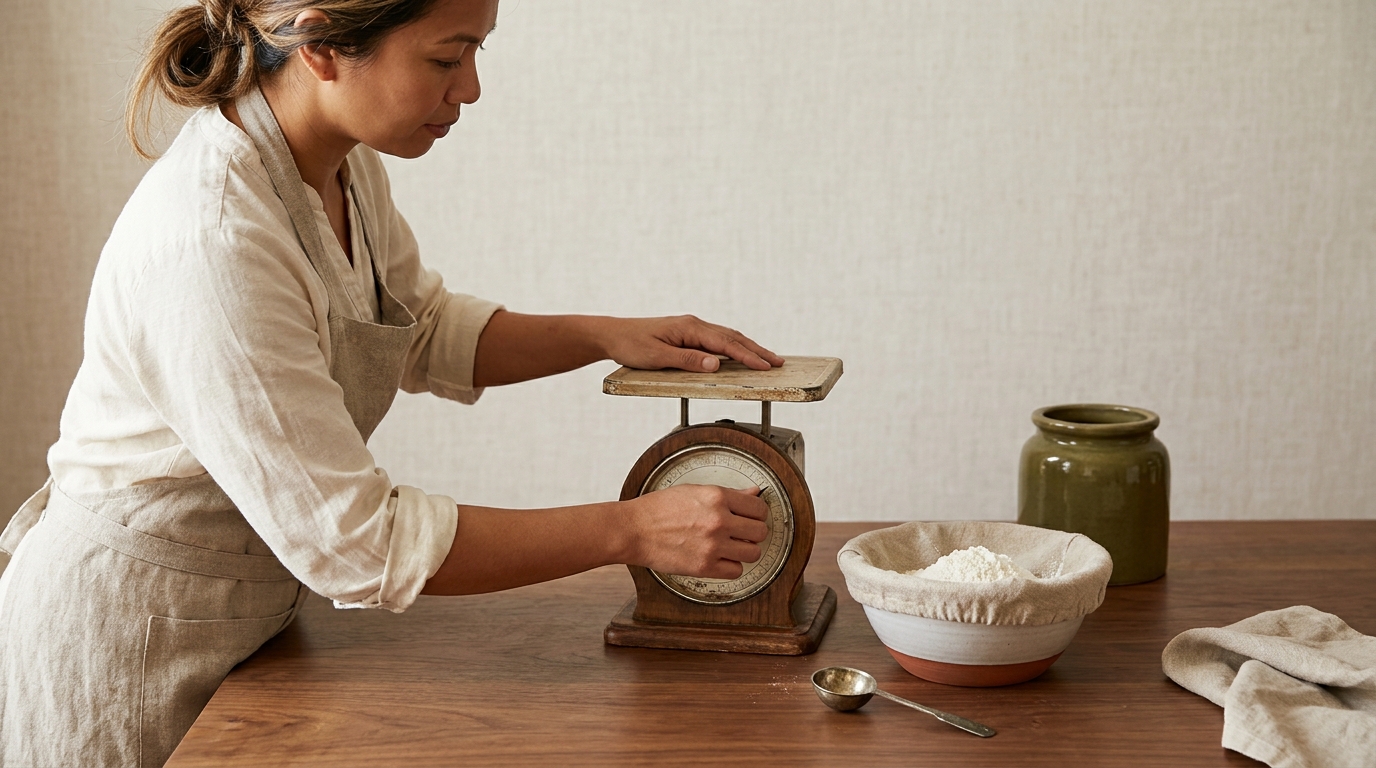
Tare sets the scale display to zero with a container on the platform so you read only the net weight of what you add.
How tare differs from zero
Both buttons often show 0.0 after you press them, but they serve different moments of the weighing process. Use zero when the platform is empty and you need the scale to return to true zero before you start; use tare when a container is on the platform and you want to ignore that container’s weight so the display shows only the contents (net weight) Charder: Zero vs Tare, Portelli Weighing Systems on zero and tare.
On some models, the same key handles both actions, often labeled Tare, Zero or Z/T. Press it with the platform empty to zero; press it with a container on the platform to tare America's Test Kitchen on using the tare button, Charder: Zero vs Tare.
Step-by-step: taring a kitchen scale
- Place the scale on a stable, level surface and turn it on Meltrons: use a food scale properly.
- Confirm the display reads zero. If it doesn’t, clear the platform and press Zero Portelli Weighing Systems on zero and tare.
- Place your empty bowl or container on the platform.
- Press Tare (or the Z/T key). The display should return to 0.0 with the container still on the platform America's Test Kitchen on using the tare button.
- Add your ingredient and read the net weight directly.
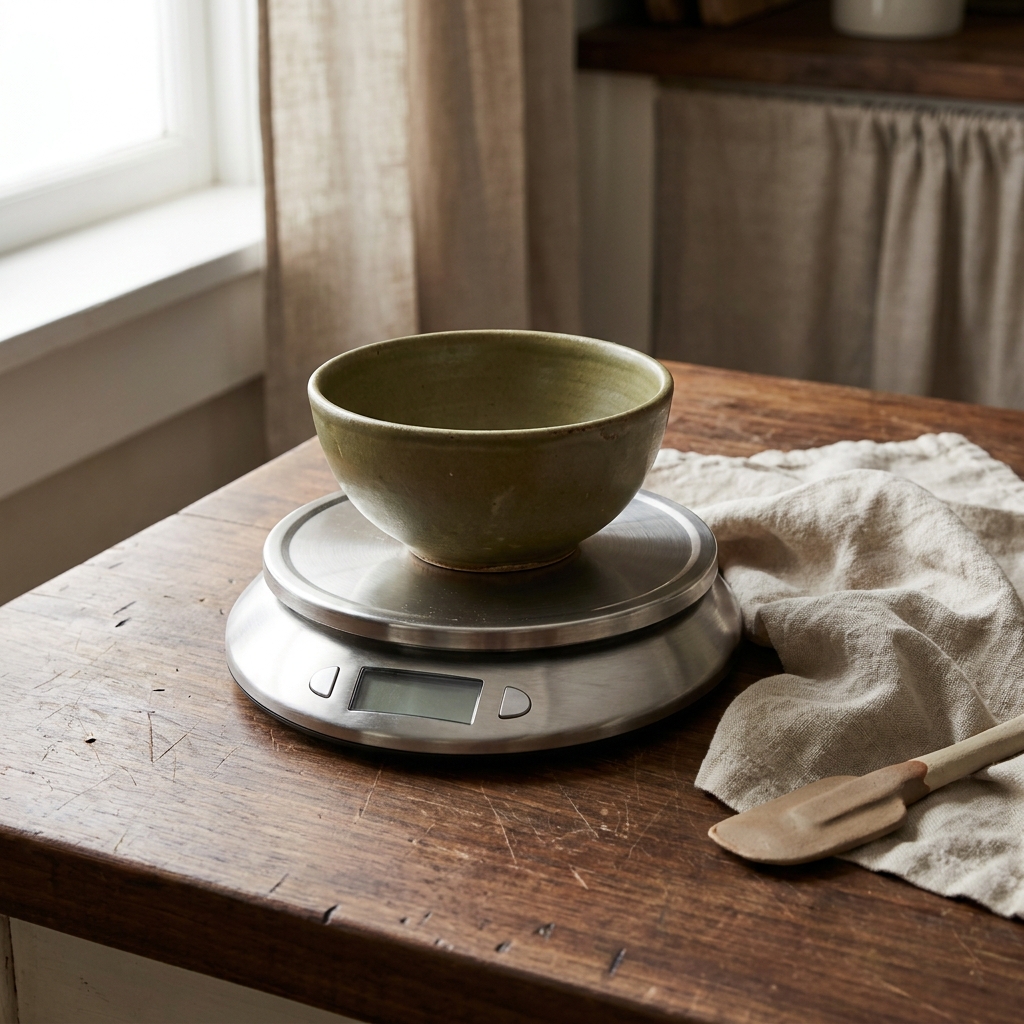
Weighing several ingredients in one bowl
Taring changes the displayed net weight, not the load physically on the scale. Keep the bowl plus all ingredients within the model’s maximum capacity, even after repeated resets.
Adam Equipment’s user manual, section 6.2, explains how the stored tare is subtracted and why removing the tared load produces a negative reading. Your model’s instructions determine how to clear that stored value.
You can build a recipe in a single container: add the first ingredient, press Tare to reset the display to zero, then add the next ingredient, and repeat. This lets you weigh each addition without extra bowls America's Test Kitchen on using the tare button. If you remove the tared container, many scales show a negative reading corresponding to the removed tared weight. Restore the container to continue, or clear the tare with the empty platform as the manual directs Portelli Weighing Systems on zero and tare.
Quick tare checklist for kitchen weighing
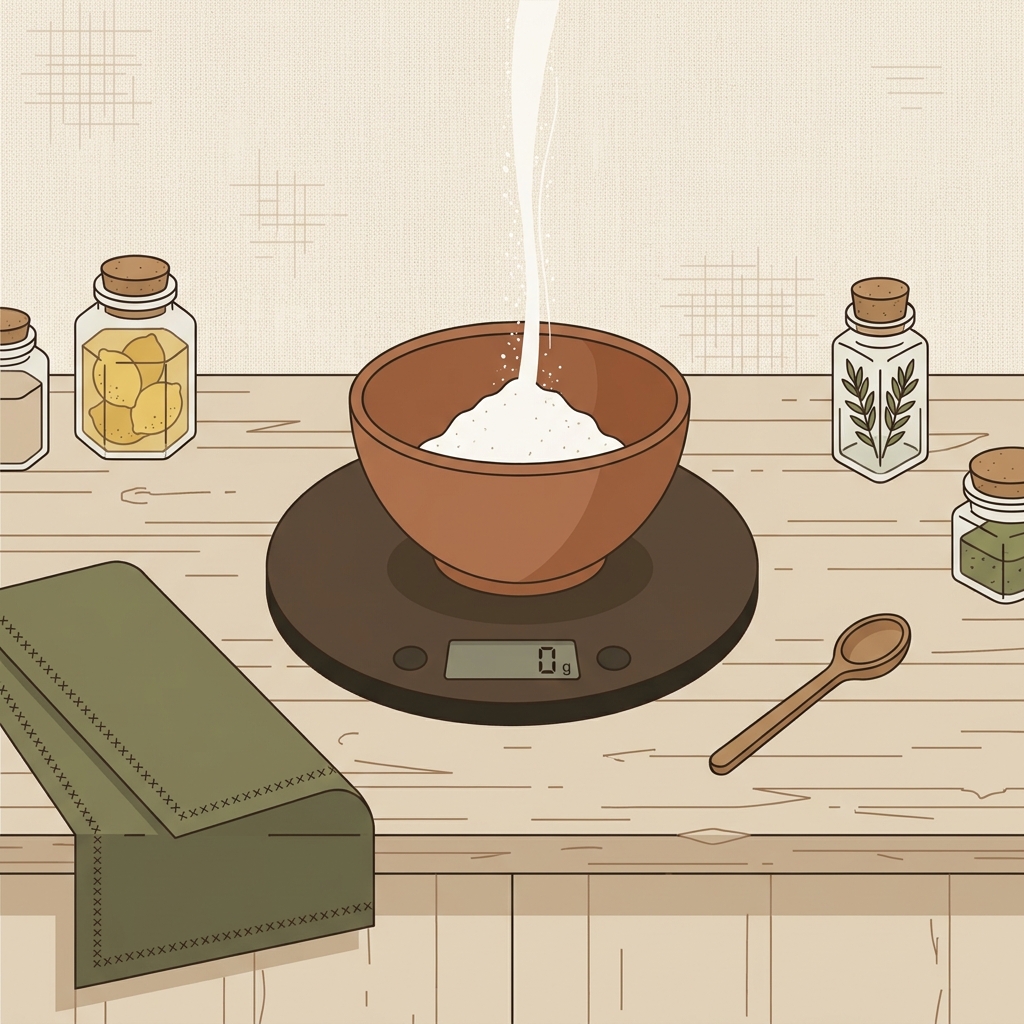
Troubleshooting odd readings
- Not truly at zero: Clear the platform and press Zero when nothing is on it to restore the baseline Portelli Weighing Systems on zero and tare, Charder: Zero vs Tare.
- Container removed after taring: If you tared a container, then lift it off, the display may show a negative value for the removed weight. Replace the container or reset with the empty platform as the manual directs Portelli Weighing Systems on zero and tare.
- Wobbly surface: Move the scale to a level, stable countertop for consistent results Meltrons: use a food scale properly.
- Debris buildup: Residue or debris on the platform can keep a scale from returning to true zero; clean the platform and re-zero Central Carolina Scale on zero vs tare.
- Wrong units or low batteries: Confirm you’re in grams or ounces as your recipe specifies, and replace weak batteries if readings fluctuate Meltrons: use a food scale properly.
Practical kitchen examples
- Baking in one bowl: Put a bowl on the scale and tare. Add 250 g flour, then press Tare. Add 30 g sugar, then press Tare again for the next item. This is faster and more consistent than volume measures in many recipes America's Test Kitchen on using the tare button. If you still measure by cup sometimes, see our guide on how to measure flour correctly.
- Liquids and sticky ingredients: Tare before adding honey, oil or milk directly into a mixing bowl to avoid extra cups and scraping America's Test Kitchen on using the tare button.
Good weighing habits improve consistency, but freshness of ingredients still matters. For dependable rise, review whether old baking powder is still good.
Quick FAQ
Is tare the same as zero? No. Zero is for returning an empty platform to 0.0. Tare is for subtracting the weight of a container so you see only the contents (net) Charder: Zero vs Tare, Portelli Weighing Systems on zero and tare.
My scale only has one Z/T button. What do I press? Use that same button: press it with the platform empty to zero, or press it with a container on the platform to tare America's Test Kitchen on using the tare button, Charder: Zero vs Tare.